
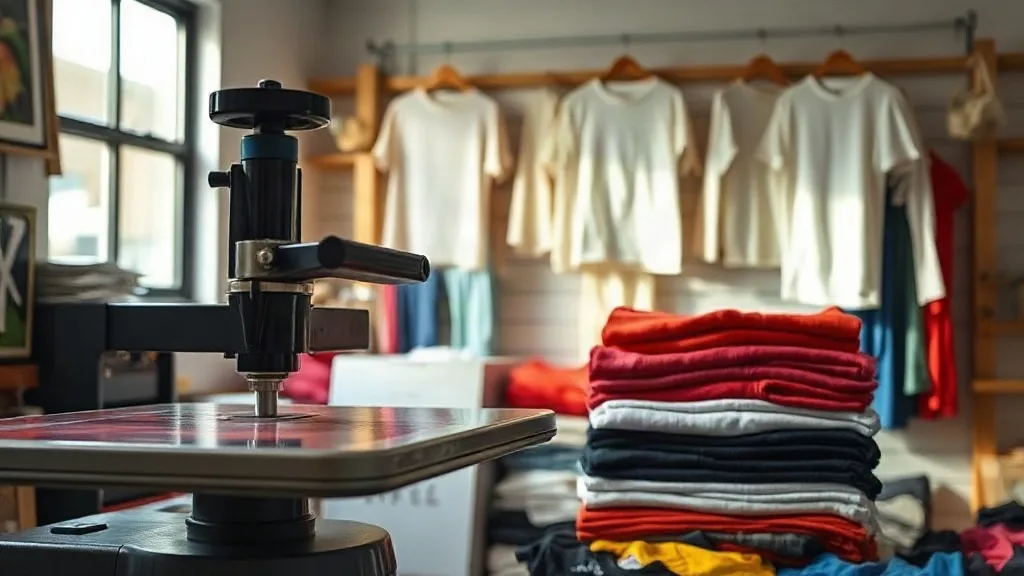
If you run a small print shop, you know the struggle: customers want vibrant, durable prints on everything from cotton tees to polyester hoodies, but traditional screen printing and vinyl can be costly and time-consuming for short runs. Enter dtf transfers, a game-changing technology that lets you produce full-color, photo-realistic designs on a wide range of fabrics without the setup costs of screens or the limitations of vinyl. In this guide, we'll walk through why dtf is worth considering for your shop, how to use it effectively, and the practical tips that will save you time and money.
What Are DTF Transfers and Why Should Your Shop Care?
DTF stands for Direct-to-Film. The process involves printing your design onto a special PET film using water-based pigments, then applying a thermoplastic polyurethane (TPU) powder to the wet ink. Once cured, the transfer is ready to be heat-pressed onto fabric. Unlike DTG, which requires pretreated garments, or screen printing, which demands separate screens per color, DTF works on almost any fabric: cotton, polyester, blends, even nylon and leather. For a small shop, that versatility means you can say yes to more orders without investing in multiple processes.
The real beauty of DTF for small shops is the low barrier to entry. You don't need a huge warehouse or a six-figure printer. Many shops start by outsourcing transfers from a supplier, which means you can offer custom apparel immediately while you learn the ropes. As your volume grows, you can bring printing in-house with a compact DTF printer and a heat press. The dtf transfers themselves are lightweight and easy to store, so you're not tying up capital in inventory.
The Cost Advantage of DTF for Short Runs
Let's talk numbers. Screen printing has a high setup cost per color, so it only makes sense for large orders. Vinyl requires weeding, which eats up labor on intricate designs. DTF, on the other hand, has a nearly flat cost per print regardless of the number of colors or complexity. That makes it perfect for the small batches and one-offs that walk into your shop every day.
Consider this scenario: a local band wants 20 shirts with a detailed, multicolor logo on the front and a list of tour dates on the back. With screen printing, you'd need to burn screens for each color, and the setup alone could price you out of the job. With DTF, you print the design once, powder it, and press it. The same transfer can be used on different shirt sizes and colors, and you can easily adjust quantities without waste. For a small shop, that flexibility is a lifesaver.
Choosing the Right DTF Supplies for Your Shop
Not all DTF transfers are created equal. The quality of the film, ink, and powder directly affects the durability and vibrancy of the final print. Here's what to look for:
- Film: Look for a film that releases cleanly and doesn't curl during printing. A good film will have a consistent coating that holds the ink without smudging.
- Ink: Water-based pigment inks are standard, but the best ones offer high opacity and color saturation. Cheaper inks may require multiple passes, wasting time and material.
- Powder: The TPU powder should have a fine, uniform particle size for smooth adhesion. Coarse powder can leave a gritty texture.
- Adhesive: Some transfers come with a hot-peel or cold-peel adhesive. Cold peel is generally more forgiving for beginners, as it allows the transfer to cool slightly before peeling, reducing the risk of stretching the design.
If you're outsourcing, ask your supplier about their quality control. A reputable supplier will provide consistent batches and may offer samples so you can test before committing to a large order. Building a relationship with a reliable dtf supplier is just as important as choosing the right heat press.
Step-by-Step Application: Getting Professional Results
Applying DTF transfers might seem straightforward, but the details matter. Here's a tried-and-true process that works for most fabrics:
- Prepress the garment: This removes moisture and wrinkles, ensuring the transfer adheres evenly. Use a heat press at 320°F (160°C) for 5-10 seconds with medium pressure.
- Position the transfer: Place the transfer on the garment with the printed side up. If the transfer has a carrier sheet, make sure it's on top.
- Press: Apply heat at 320°F for 10-15 seconds with medium-heavy pressure. The exact time and temperature depend on the transfer and fabric, so always test first.
- Peel: For cold peel, wait until the transfer is completely cool before peeling the carrier sheet. For hot peel, remove immediately. Cold peel is more common with DTF because it allows the design to set without stretching.
- Post-press: For extra durability, especially on stretchy fabrics, press again for 5 seconds with a Teflon sheet or parchment paper.
Pro tip: Keep a log of your settings for different fabrics. Cotton and polyester behave differently, and a setting that works for one may not work for another. Over time, you'll develop a quick reference that speeds up production.
Common Pitfalls and How to Avoid Them
Even experienced shops run into issues with DTF. Here are the most common problems and their solutions:
- Peeling or cracking: Usually caused by insufficient pressure, temperature, or time. Invest in a quality heat press with accurate temperature control, and always do a peel test after washing a sample.
- Color fading: Some low-quality transfers may fade after multiple washes. Choose transfers with high-quality inks and follow care instructions (wash inside out, cold water, no bleach).
- Transfer not adhering to polyester: Polyester requires lower temperatures to avoid melting or dye migration. Use a lower temp (around 290°F) and press for a shorter time, or use a barrier sheet.
- Film curling during printing: This can happen if the film is exposed to humidity. Store film in a cool, dry place and use a dehumidifier in your print area if needed.
By anticipating these issues, you can troubleshoot quickly and keep your customers happy.
Integrating DTF into Your Workflow
For a small shop, efficiency is key. DTF can fit into your existing workflow with minimal disruption. If you're outsourcing transfers, establish a schedule with your supplier so you always have popular designs on hand. For custom orders, you can order transfers as needed and often receive them within a few days.
If you're printing in-house, organize your designs digitally and group them into gang sheets to maximize film usage. A gang sheet allows you to print multiple designs on a single sheet, cutting down on waste and cost. Many DTF printers come with software that helps you nest designs efficiently. Also, consider dedicating a separate area for DTF printing and pressing to avoid contamination from dust or lint, which can affect adhesion.
Quality Control: Ensuring Every Print Meets Your Standards
Your reputation depends on consistent quality. Implement a simple QC process: after pressing, inspect each garment for bubbles, incomplete transfer, or misalignment. Do a wash test on the first piece of a new fabric or transfer batch. Keep a record of any issues and communicate them to your supplier if you're outsourcing. For in-house printing, regularly check your printer's nozzles and ink levels, and cure the transfers properly to avoid premature fading.
Frequently Asked Questions About DTF Transfers
Can I use DTF transfers on dark-colored shirts?
Absolutely. DTF transfers include a white ink layer that provides a bright base, so colors pop on dark fabrics. Just ensure your transfer is printed with a sufficient white layer, and follow the pressing instructions carefully to avoid opacity issues.
How durable are DTF transfers after washing?
When applied correctly, DTF transfers can withstand 50+ washes without significant fading or cracking. To maximize longevity, wash garments inside out in cold water and avoid harsh detergents. Proper curing during the transfer process is critical for durability.
Do I need a special heat press for DTF?
You can use a standard heat press, but it should have accurate temperature control and even pressure. A clamshell or swing-away press works well. Avoid using an iron or a cheap press with uneven heating, as that can lead to inconsistent results.
What fabrics work best with DTF?
DTF adheres well to cotton, polyester, blends, nylon, and even leather. It's not ideal for fabrics with heavy coatings or silicone treatments, as the transfer may not bond properly. Always test on a scrap piece first.
How should I store unused DTF transfers?
Store transfers in a cool, dry place away from direct sunlight. Keep them flat to prevent curling. If you live in a humid climate, store them in a sealed bag with a desiccant packet to avoid moisture absorption.
DTF transfers offer small print shops a way to expand their product range, reduce waste, and take on orders that would be impractical with other methods. By choosing quality supplies, mastering the application process, and integrating DTF into your workflow, you can deliver vibrant, durable prints that keep customers coming back. Whether you outsource or print in-house, the key is to start small, test thoroughly, and scale as you grow.